




Toyota
Camry
Different configurations, clearly organized.
Clear information. Better understanding.
From brand and fuse information to OBD diagnostics and owners' experiences—all in one app, in your language.
Explore the appYour car's everyday companion
An app to understand your car, organize its information and learn from other owners.
In OBD KRD, everything has its place. Find vehicle information in Brands, view codes and readings in Diagnostics, and log your service history in My Car.
Explore the features OBD KRD
Your car,
in your language.
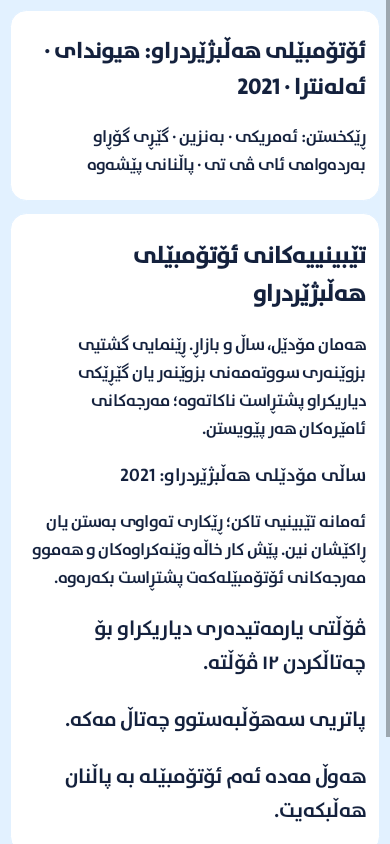
Brands · From overview to detail
Choose the brand, model, year, market and powertrain. See the available data for that configuration, with variant differences kept clear.
A few models from the catalogue 8 models
Different configurations, clearly organized.
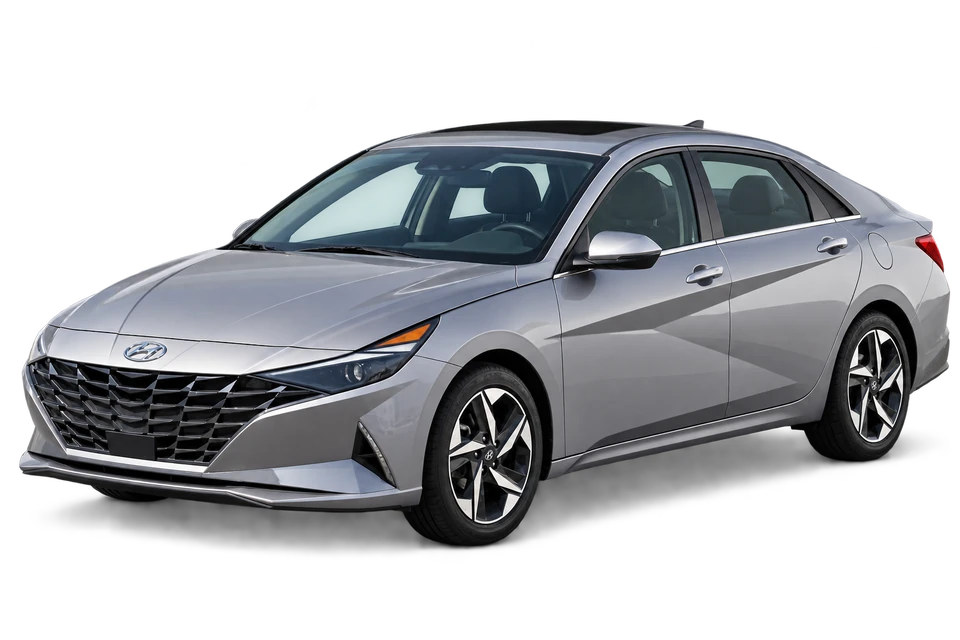
Identity, technical details and fuses.
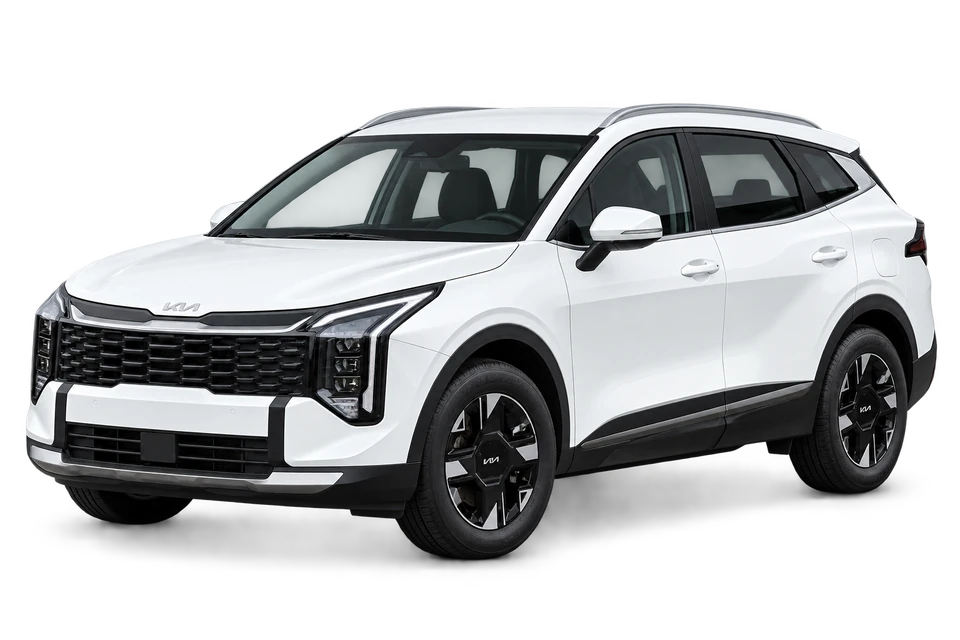
From model year to the details.
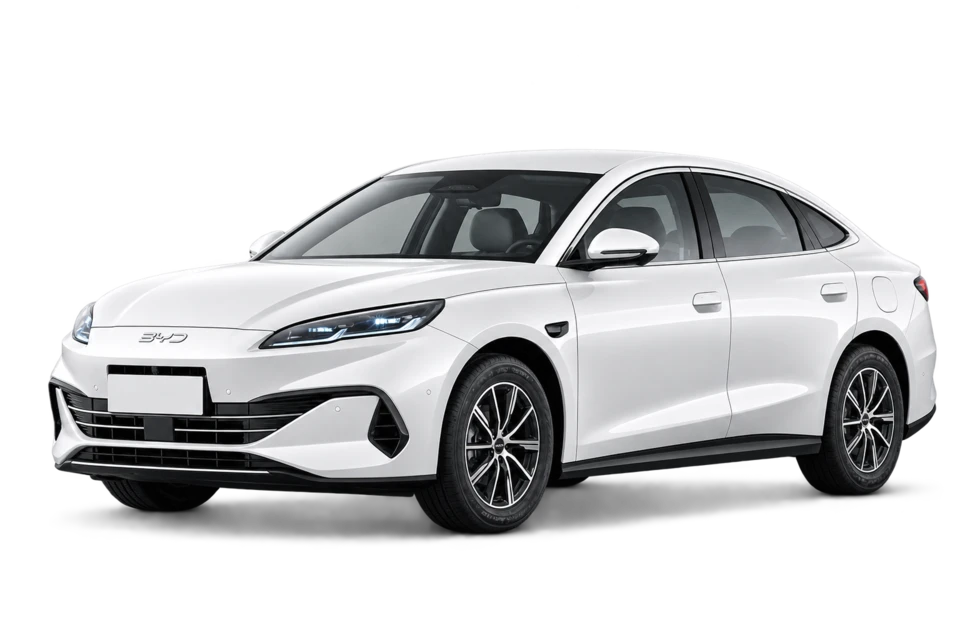
Powertrains and variants kept separate.
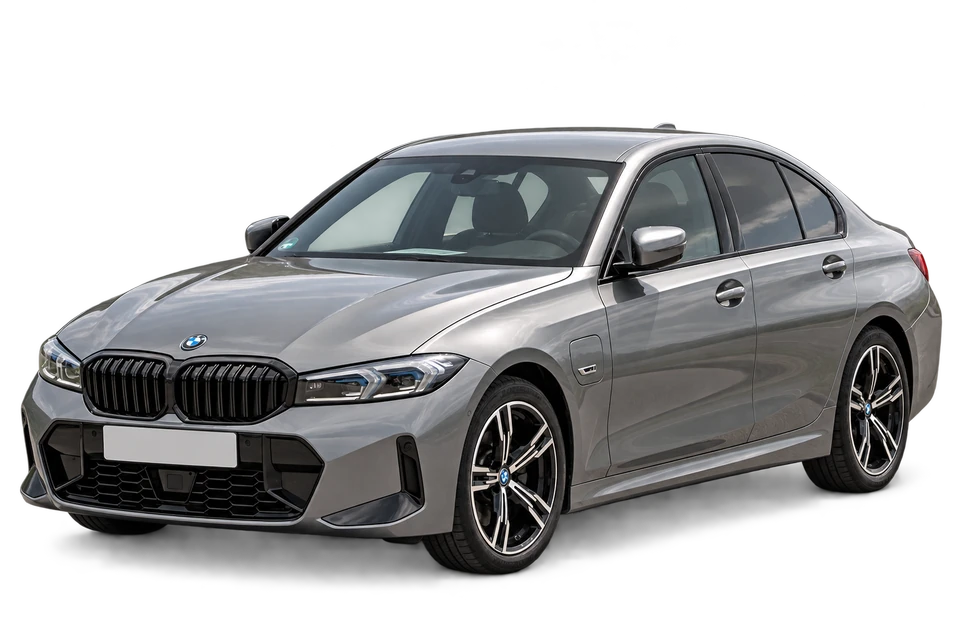
Available data for the selected variant.

Your vehicle's configuration comes first.
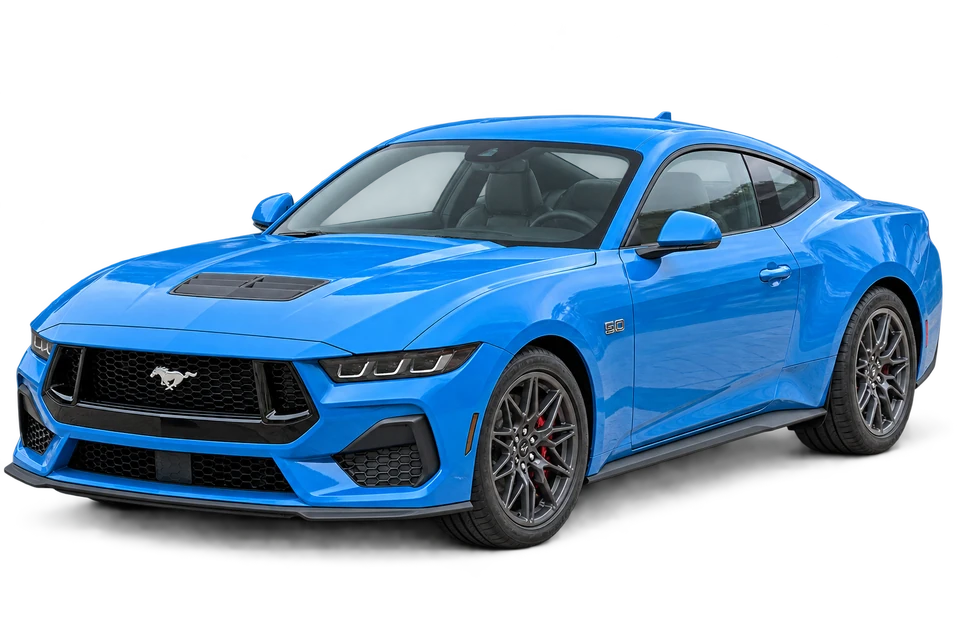
Topics organized by model and year.
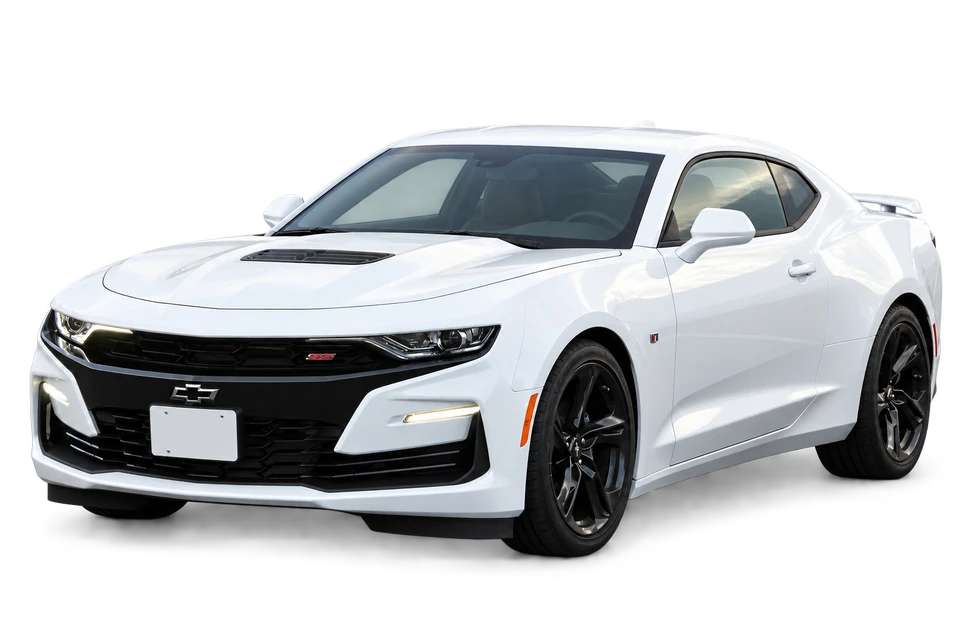
A clearer understanding of your car.
Every topic in its place
Available technical information and guidance are organized into separate sections. Missing information is clearly marked.
View available fuse panels, numbers, amperage and functions in clear lists and available diagrams. Colors help distinguish ratings; model, year and manual edition stay with the data.
Find available engine and transmission oil, battery, spark plug, injector and fuel pump information in their own sections. Brand and model alone are not enough: year, market and configuration matter.
Available manual notes for your model and year are kept separate from general preparation guidance. Missing instructions for your variant are clearly marked; another model's data is not used as a substitute.
Powertrains and selected configuration details are kept distinct. Charging and parts information appears only where suitable data is available.
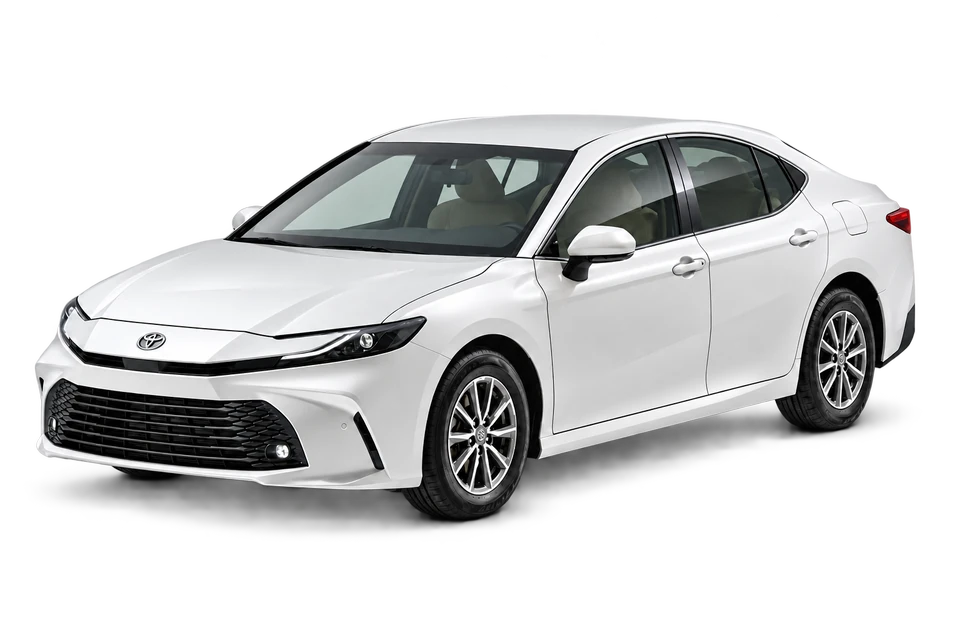
Brand and model counts describe catalogue coverage, not complete data for every year and variant. Vehicle images are illustrative.
Experience · Learn from each other
Talk with owners of the same brand, model, year and powertrain.
Describe the problem clearly and add a fault code if you have one. Replies stay together under the same question, so the experience can help other owners too.
Replies reflect users' experiences; they do not replace a professional inspection.
Brand + model + year + powertrain
Describe the symptoms and fault code.
Follow the discussion in one place.
More app features
From vehicle readings to service records, each tool has its place.
View supported engine and emissions codes, explanations and possible causes. Diagnostics requires a compatible OBD2 adapter with classic Bluetooth.
Speed, RPM, temperature and other supported live data come together in a clear dashboard. Available readings depend on your vehicle and ECU.
Mode 6 shows onboard test results and available limits. Mode 8 and I/M explain EVAP testing and emissions readiness; starting a test does not mean it passed.
Record products, photos, service dates and mileage. Set your own next service interval, receive reminders and save a PDF report.
Manage your cloud backups and related information through your account. Use Google, email or a verified mobile number inside the app.
Choose Kurdish, Arabic or English. Adjust units, text and icon sizes, and the background to suit your needs.
Services & support
Guidance on installation, compatible adapters and the steps to connect OBD inside the app.
Ask for guidanceHelp finding features, recording services, and managing your account and backups.
Ask your questionFound an error or a gap? Tell us the brand, model, year and topic.
Report an errorFeedback · Criticism · Suggestions
What works well? What needs to change? What should we add?
Your questions, feedback and ideas help make OBD KRD more useful. Choose a topic and tell us what's on your mind.
onboarddiagnostics.krd@gmail.comDo not include passwords, sign-in codes or payment information.
Clear answers before you start
Google Play and App Store download links are not live yet. The buttons show a coming-soon message; no release date has been announced.
An Android phone and a compatible OBD2 adapter with classic Bluetooth. Run diagnostics while the vehicle is parked. Available data depends on vehicle and ECU support.
No. Catalogue coverage and complete information are different things. The app identifies variant differences and missing data; confirm the guidance for your own variant.
Accounts and backups are managed inside the app. This website introduces the app, provides guidance and helps you share feedback.
Your car, in your language
Clearer information. Organized servicing. Shared experience.
Store availability will be announced soon.